Every YouTube creator knows the feeling. It is Tuesday night, your upload schedule says you need a video live by Wednesday afternoon, and you are staring at a blinking cursor or an empty memory card. The panic sets in. You scramble to film something—anything—just to feed the algorithm. The result? A video that feels rushed, lower engagement than usual, and a significant step toward creative burnout.
There is a better way to operate. The most successful channels on the platform rarely rely on spontaneous inspiration. Instead, they rely on a boring but powerful tool: the content calendar.
This article explores why a content calendar is the backbone of professional YouTube growth. We will break down how planning ahead transforms your channel from a hobby into a business, eliminates decision fatigue, and provides the consistency that both the YouTube algorithm and your audience demand.
Why YouTube Consistency is Non-Negotiable
Before diving into the mechanics of a calendar, we must understand why consistency matters so much. Many creators view consistency as a chore, but you should view it as a promise to your audience.
When viewers subscribe to a channel, they are effectively signing up for a specific type of value delivered on a reliable schedule. If a TV show aired randomly—sometimes on Mondays at 8 PM, sometimes on Fridays at 3 AM, and then skipped three weeks—viewers would stop tuning in. Your channel works the same way.
The YouTube algorithm favors channels that keep viewers on the platform for longer periods. A consistent upload schedule signals to the algorithm that your channel is active and reliable. This reliability often leads to more impressions and a higher likelihood of your videos being suggested to new audiences.
However, consistency does not mean you must upload daily. It means you must be predictable. Whether you post once a week or once a month, hitting that mark every time builds trust. A content calendar is the only way to maintain that rhythm without sacrificing your sanity.
The Strategic Benefits of Planning Ahead
A content calendar is more than just a schedule of dates. It is a strategic roadmap that allows you to see the bigger picture of your channel’s trajectory. Moving from a reactive mindset (“What do I film today?”) to a proactive one (“What am I filming next month?”) unlocks several massive benefits.
Eliminating Creator Burnout
Burnout is the primary reason creators quit. The pressure to constantly ideate, produce, and publish in a short timeframe is exhausting. When you operate without a plan, you are in a constant state of emergency.
A content calendar allows you to separate the creative process into manageable chunks. You can dedicate one day solely to brainstorming ideas for the entire month. You can spend another day scripting. By batching these tasks, you remove the daily pressure to be “on.” When filming day arrives, you don’t have to worry about what you are saying; you already did that work last week.
Improving Content Quality
Rushed content is rarely your best content. When you plan a video four weeks in advance, you give yourself the luxury of time. You can research your topic more thoroughly, source better B-roll, design more compelling thumbnails, and refine your script.
A calendar also allows you to spot weak points in your strategy before you film. If you look at your plan and see three similar videos in a row, you can adjust the schedule to keep your content fresh and engaging. This level of quality control is impossible when you are creating content the night before a deadline.
Facilitating Content Batching
Filming is often the most energy-intensive part of the YouTube process. Setting up lights, checking audio, and getting “camera ready” takes time. If you have a content calendar, you can film two, three, or even four videos in a single session.
This “batching” technique is a productivity superpower. By condensing a month’s worth of filming into two days, you free up the rest of your month for engagement, community building, and analyzing your analytics.
How to Build Your YouTube Content Calendar
Creating a functional content calendar does not require expensive software or a degree in project management. It requires a system that works for your specific workflow. Here is a step-by-step guide to building a calendar that drives growth.
Step 1: Audit and Goal Setting
Start by looking at your current capacity. How many videos can you realistically produce in a month without compromising quality? Be honest with yourself. If you can only manage one high-quality video every two weeks, put that in the calendar. It is better to consistently hit a modest goal than to constantly miss an ambitious one.
Next, define your goals for the upcoming quarter. Are you trying to drive subscribers? Are you selling a product? Are you trying to rank for specific search terms? Your goals will dictate what goes into the calendar slots.
Step 2: The Brainstorming Phase (Ideation)
Before you assign dates, you need a bank of ideas. Schedule a brainstorming session where no idea is a bad idea. Look at your competitors, check Google Trends, and review the “Research” tab in YouTube Studio to see what your audience is searching for.
Once you have a list of 20-30 ideas, filter them. Select the strongest concepts that align with your current goals. Categorize them into different buckets, such as “Educational,” “Entertainment,” or “Vlogs.” This ensures you maintain a healthy mix of content types.
Step 3: Choosing Your Tools
You do not need complicated tools to succeed. The best tool is the one you will actually use.
- Google Sheets / Excel: Perfect for beginners. It is customizable, free, and easy to share with a team.
- Trello / Asana: Great for visual thinkers who prefer a Kanban board style (moving cards from “Idea” to “Scripting” to “Filming” to “Done”).
- Notion: A powerful all-in-one workspace that allows you to store scripts, mood boards, and calendars in one place.
Step 4: The Essential Columns
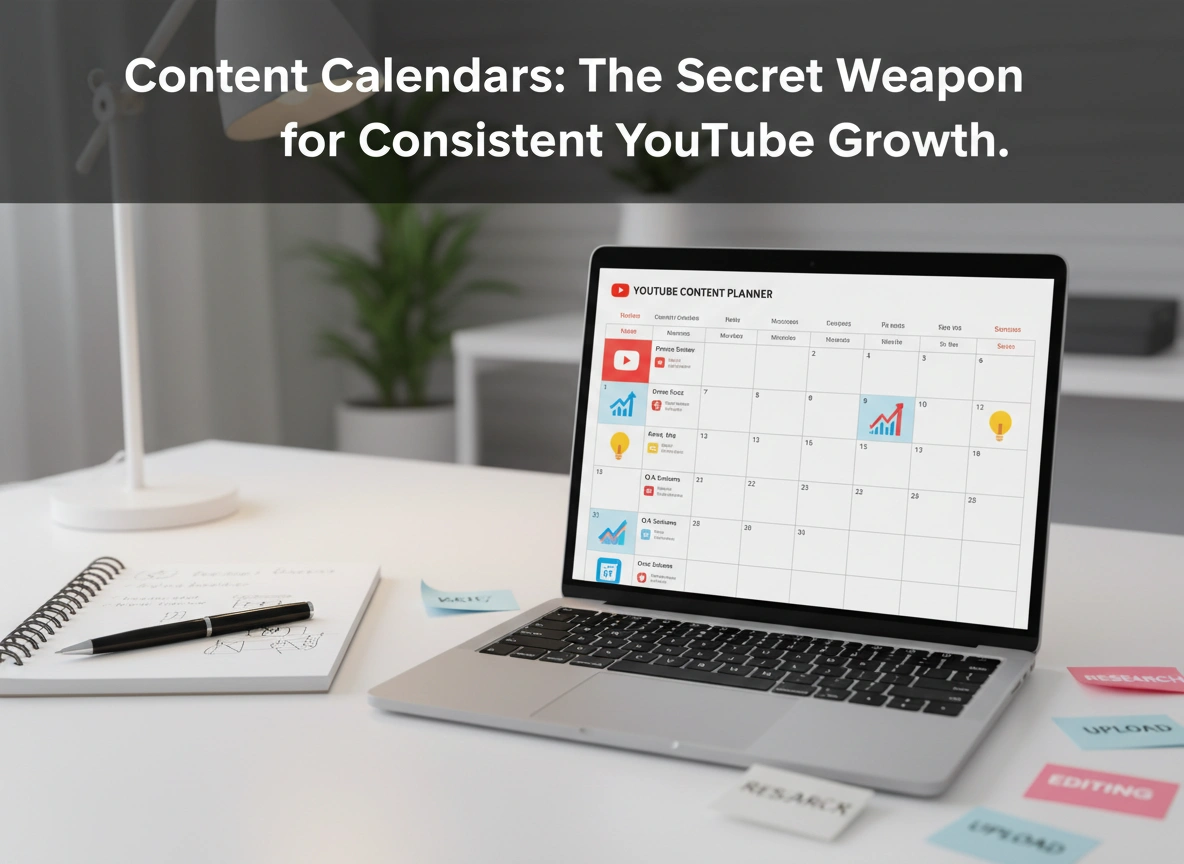
Regardless of the tool you use, your calendar needs specific data points to be effective. A simple date is not enough. Your calendar entry for each video should include:
- Publish Date: When the video goes live.
- Production Status: (e.g., Idea, Scripting, Filming, Editing, Scheduled).
- Working Title: The concept name.
- Target Keywords: For SEO purposes.
- Thumbnail Concept: Describe the visual hook early so you can take the photo while filming.
- Call to Action (CTA): What do you want the viewer to do at the end?
Step 5: Scheduling and Workflow Mapping
Populate your calendar with your selected ideas. Be mindful of holidays, industry events, or seasonal trends that might affect viewership.
Crucially, do not just schedule the upload date. Schedule the work leading up to it. If a video goes live on the 30th, mark the 25th as your editing deadline, the 20th as your filming day, and the 15th as your scripting deadline. This “reverse engineering” of the schedule prevents the last-minute crunch.
Advanced Strategies: Using Your Calendar for Growth
Once you have the basics down, your calendar becomes a strategic asset for growth.
The “Tentpole” Strategy
Identify major events in your niche and plan “tentpole” content around them. If you run a tech channel, you know when the new iPhone launches. Your calendar should reflect this months in advance, allowing you to pre-plan comparison videos, accessory reviews, and reaction content. By being prepared while others are reacting, you capture the search traffic surge more effectively.
Repurposing for Reach
Your calendar should also account for distribution. A single long-form YouTube video can generate a dozen pieces of content.
- YouTube Shorts: Mark a column in your calendar for “Shorts Clips.” Identify the most engaging 60-second segment of your main video.
- Community Posts: Schedule polls or behind-the-scenes photos to hype the upcoming video.
By integrating these promotional elements into your main calendar, you ensure that every video you produce gets the maximum possible exposure.
Common Pitfalls to Avoid
Even with a calendar, things can go wrong. Avoid these common mistakes:
- Rigidity: A calendar is a guide, not a prison. If breaking news happens in your industry, pause your scheduled content and cover it. Flexibility is key to staying relevant.
- Overstuffing: Do not fill every single slot for the next six months. Leave “buffer weeks” or empty slots. Creative blocks happen, sickness happens, and life happens. A buffer ensures one missed deadline doesn’t derail your entire strategy.
- Ignoring the Data: Review your calendar against your analytics. If you notice that your “Tutorial Tuesdays” are underperforming compared to your “Vlog Fridays,” adjust your future calendar. Use data to inform your planning, not just your intuition.
Conclusion
Professional YouTube growth is rarely an accident. It is the result of deliberate action, strategic foresight, and consistent execution. A content calendar is the tool that bridges the gap between your creative ambition and your actual output.
By implementing a structured planning system, you free up mental space to be more creative, not less. You move away from the stress of the daily grind and toward a sustainable workflow that allows your channel—and you—to thrive.
Next Steps:
- Open a Google Sheet or your preferred project management tool today.
- Create the columns mentioned above (Title, Status, Thumbnail, etc.).
- Plan your next four videos. Do not worry about the next year; just focus on the next month.
- Stick to the schedule and watch how your workflow—and your growth—improves.
- Please click here for more info