Every student deserves a learning environment where they can thrive, regardless of their individual challenges. In special education classrooms, differentiation is not just a buzzword; it is the daily reality of effective teaching. Educators constantly seek tools that bridge the gap between curriculum standards and diverse student needs. Technology has become a powerful ally in this mission, and Quizizz stands out as a particularly versatile platform.
This guide explores how Quizizz serves as a transformative tool in special education. We will examine its adaptable features, discuss practical strategies for implementation, and highlight how gamified assessment can foster inclusivity and confidence in students with varying abilities.
The Role of Technology in Inclusive Classrooms
Technology in special education goes beyond simply putting a device in a student’s hands. It acts as an equalizer. For students with learning disabilities, processing disorders, or physical limitations, the right digital tool can remove barriers that traditional pen-and-paper methods inadvertently create.
Assistive technology and adaptive learning platforms allow educators to:
- Customize pacing: Students can work through material at a speed that suits their processing needs.
- Provide immediate feedback: Instant validation helps correct misconceptions before they become ingrained.
- Offer multi-sensory engagement: Visuals, audio, and interactive elements support different learning styles.
Quizizz aligns perfectly with these goals. While often viewed as a general classroom review tool, its deep customization options make it a powerhouse for special education (SPED) teachers looking to personalize instruction.
Deconstructing Quizizz: Features That Support diverse Learners
To understand why Quizizz works well for special education, we need to look at specific features that support accessibility and accommodation.
1. Instructor-Paced vs. Student-Paced Modes
One of the most critical features for SPED classrooms is the ability to toggle between instructor-paced and student-paced lessons.
In a traditional setting, the pressure to keep up with peers can cause anxiety for students with processing delays. The Student-Paced mode removes this stress. It allows students to answer questions on their own devices without a timer ticking down on the big screen. They can take the time they need to read, process, and select an answer, fostering a sense of autonomy and reducing test anxiety.
2. Read Aloud Functionality
For students with dyslexia, visual impairments, or reading comprehension difficulties, text-heavy assessments are often invalid measures of their actual content knowledge. They might know the answer but struggle to decode the question.
Quizizz includes a built-in Read Aloud feature. This text-to-speech functionality reads questions and answer choices aloud to the student. By removing the decoding barrier, teachers can assess a student’s understanding of the concept rather than their reading fluency.
3. Visual Accessibility and Media Integration
Many students in special education are visual learners. Quizizz allows teachers to embed images, audio clips, and videos directly into questions.
- Visual Cues: Instead of a text-only question, a teacher can include a picture that acts as a visual prompt.
- Audio Responses: For students who struggle with reading text options, teachers can record audio for the answer choices. This is invaluable for non-readers or early learners.
- Reduced Visual Clutter: The interface is clean and engaging without being overly distracting, which helps students with attention deficits focus on the task at hand.
4. Redemption Questions and Power-Ups
Gamification can sometimes be competitive in a way that discourages struggling learners. However, Quizizz uses gamification to encourage resilience.
Redemption Questions give students a second chance to answer a question they previously missed. This reinforces the growth mindset—the idea that mistakes are part of learning and can be corrected. Power-ups add a layer of fun that levels the playing field, making the experience less about raw academic speed and more about engagement and strategy.
Practical Strategies for Using Quizizz in SPED Settings
Knowing the features is one thing; applying them effectively is another. Here are practical ways teachers can integrate Quizizz into a special education curriculum.
Modification of Assessments
Modifying tests is a standard accommodation in Individualized Education Programs (IEPs). Quizizz makes this seamless. A teacher can take a standard quiz created for the general education class and duplicate it.
On the duplicate version, the teacher can:
- Reduce the number of answer choices from four to two (masking).
- Simplify the language of the questions.
- Add more visual supports.
- Extend or remove the timer completely.
This allows students with IEPs to participate in the same activity as their peers but with the necessary scaffolds in place to ensure success.
Social-Emotional Learning (SEL) Check-ins
Special education often encompasses behavioral and emotional support. Quizizz isn’t just for academic content; it’s an excellent tool for daily SEL check-ins.
Teachers can create a “Morning Mood” poll using the Poll or Open-Ended question types.
- Question: “How are you feeling today?”
- Answers: Images of weather (sunny, cloudy, stormy) or emojis.
This provides a low-stakes way for non-verbal students or those who struggle with emotional expression to communicate their state of mind to the teacher privately.
Reinforcing Life Skills
For students in life skills programs, Quizizz can simulate real-world scenarios. Teachers can upload images of grocery store items, street signs, or clocks.
- Scenario: Upload a picture of a menu.
- Question: “If you have $10, can you afford the burger?”
This interactive practice helps bridge the gap between abstract concepts and practical application, a core component of many special education curricula.
Homework and Independent Practice
Homework can be a battleground for students with learning disabilities and their parents. Traditional worksheets often lack the immediate feedback loop necessary for learning.
Assigning a Quizizz as homework (using the asynchronous mode) allows students to practice in a low-pressure environment. They get instant feedback on whether they are right or wrong, and the “Flashcards” mode allows them to review the material before they even start the quiz. This empowers parents to help their children effectively, as the platform guides the learning process.
Data-Driven Decision Making for IEP Goals
One of the most burdensome tasks for special education teachers is data collection. Tracking progress toward IEP goals requires consistent, quantifiable evidence.
Quizizz automates this process. After every session, the platform generates detailed reports.
- Student-level data: See exactly which questions a student missed and how long they spent on each question.
- Class-level insights: Identify broad trends or concepts that need reteaching.
Teachers can download these reports and use them directly in IEP meetings to show progress over time. For example, a teacher can demonstrate that a student’s accuracy in “identifying double-digit addition” improved from 40% to 75% over a grading period, backed by concrete data reports.
Creating an Inclusive Classroom Culture
Perhaps the most significant benefit of using Quizizz in special education is the sense of belonging it fosters. In many inclusive classrooms, students with special needs often feel separated when they are pulled aside for different work or given a distinctly different worksheet.
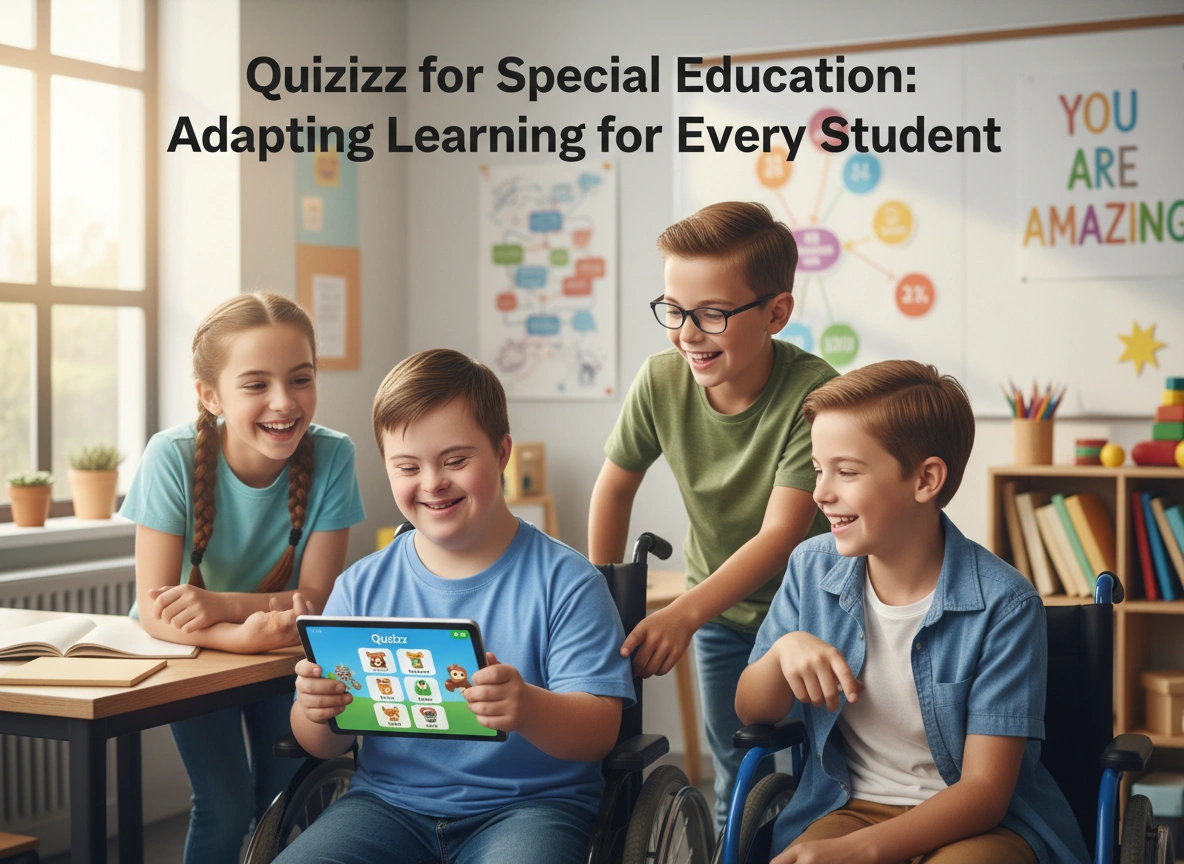
With Quizizz, everyone is on a device. Everyone is looking at the colorful interface. The modifications are happening behind the scenes. To the observer—and to the students themselves—they are all playing the same game. This shared experience builds community. It reduces the stigma often associated with accommodations and allows every student to feel like a valid, contributing member of the class.
Conclusion
Technology is not a silver bullet, but when used intentionally, it breaks down walls. Quizizz offers special education teachers a flexible, engaging, and data-rich platform that adapts to the learner, rather than forcing the learner to adapt to the platform.
By leveraging features like Read Aloud, flexible pacing, and visual integration, educators can create a learning environment where disability does not define capability. Whether it is mastering a math fact, identifying a social cue, or simply participating in a class activity with confidence, Quizizz helps ensure that learning is truly accessible for every student.
Actionable Next Steps
- Audit your settings: Go into your Quizizz settings today and explore the “Accessibility” options. familiarizing yourself with the Read Aloud and timer controls.
- Try a mood check: Create a simple, 3-question poll for your next class to gauge student energy levels without academic pressure.
- Duplicate and modify: Find a pre-made quiz on a topic you are teaching. Duplicate it and modify it specifically for a student with an IEP, focusing on reducing answer choices or adding images.
Please click here for more info