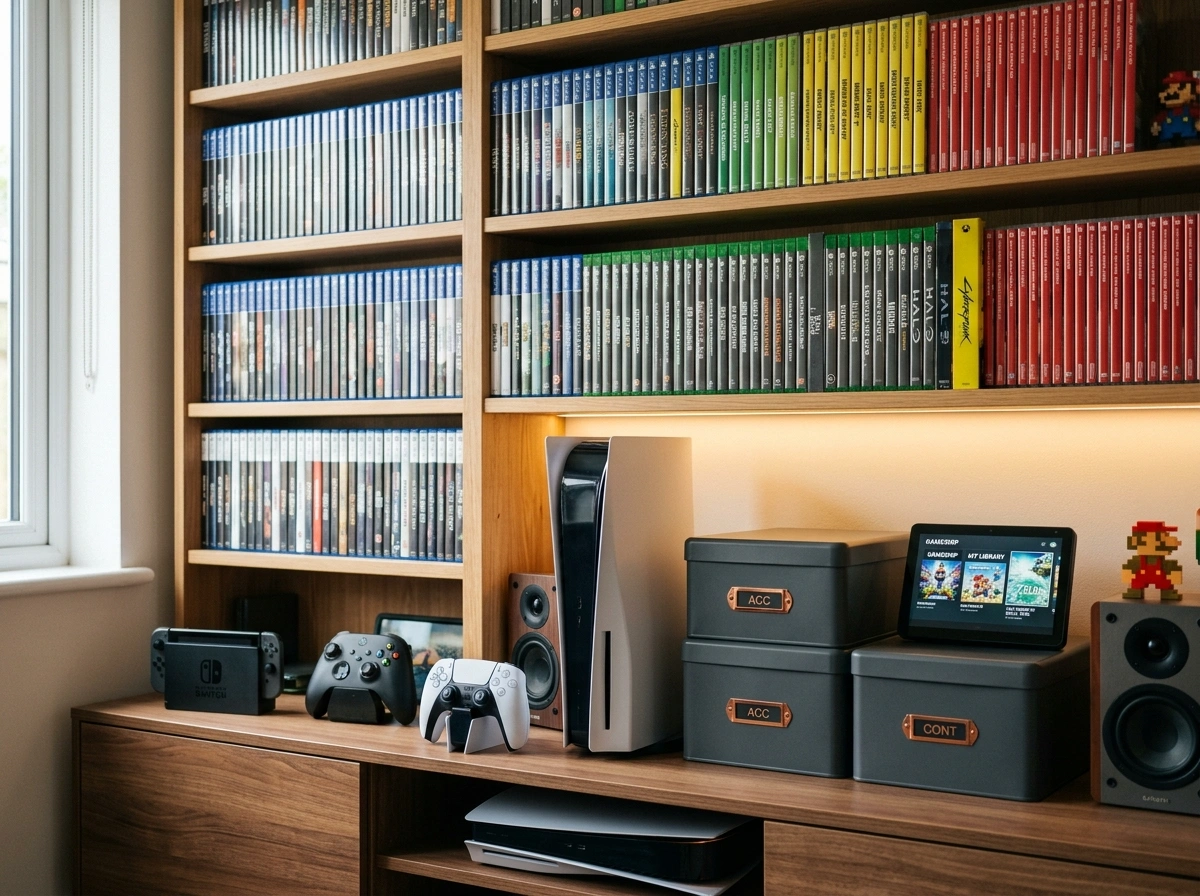
Building a digital game collection is an incredibly rewarding hobby. Over years of purchasing titles, downloading backups, and supporting independent developers, your personal library can grow into a massive archive of digital entertainment. However, compiling these files is only the first step. The real challenge emerges when you try to sort, browse, and play these titles effectively. Without a structured system, that carefully curated collection quickly turns into a chaotic folder of unidentifiable installation files and compressed archives.
GameVault offers a sophisticated solution to this modern problem. Designed specifically for self-hosters and dedicated gamers, this platform brings order to your digital files. It functions as a source-available, self-hosted gaming platform tailored exclusively for DRM-free video games. By transforming a basic file directory into a visually rich, easily navigable interface, it provides an experience that rivals major commercial storefronts.
This guide will explore how you can take control of your scattered game files and build a pristine, self-hosted library. You will learn about the common hurdles of digital game management, the specific tools this platform provides, and the step-by-step process of setting up your own centralized gaming server.
Understanding the Challenges of Managing Large Game Libraries
As digital distribution became the standard for the video game industry, consumers gained unprecedented access to thousands of titles. Yet, this convenience introduced a unique set of organizational difficulties. Unlike physical discs or cartridges that sit neatly on a shelf, digital files are inherently invisible. They reside on hard drives, external solid-state drives, or network-attached storage devices, often tucked away in deeply nested folders.
One major hurdle is the fragmentation of files. If you purchase DRM-free games from various storefronts, independent developer websites, or crowdfunding campaigns, you receive files in completely different formats. Some arrive as executable installers, others as compressed zip files, and some as bare binaries. Keeping track of which file corresponds to which game, let alone remembering where you saved it, requires a level of manual bookkeeping that most people simply do not have time for.
Furthermore, a raw file directory lacks the visual and informational context that makes browsing a game library enjoyable. A folder named “Game_v1.04_Setup.exe” tells you nothing about the game’s genre, developer, release year, or graphical style. When you want to find a specific type of game to play, scanning through text-based file names is tedious and uninspiring. You also lose out on standard features modern gamers take for granted, such as playtime tracking, progress saving, and community comparisons.
Key Features of GameVault for Organizational Success
GameVault directly addresses the shortcomings of manual file management by introducing a robust suite of automated features. The platform is divided into two distinct components: a self-hosted backend server that manages your files, and a client application that provides the user interface. Together, they offer a comprehensive set of tools for organizational success.
Automated Indexing and Metadata Enrichment
The core strength of the platform lies in its ability to read your existing file structure and automatically identify the games within it. Using intelligent game type detection, the server scans your directories and matches your files against vast online video game databases. It then enriches your local files with high-quality metadata, pulling in cover art, background images, release dates, developer information, and detailed descriptions.
Seamless Downloading and Installation
Once the server has indexed your library, the client application makes accessing those games effortless. You can browse your collection visually, select a title, and download it directly from your server to your local machine. The client handles automatic game extraction and installation, removing the need to manually unzip folders or run setup wizards.
User Management and Tracking
If you share your server with family members or friends, the platform includes a multi-user authentication system equipped with role-based access control. You can set permissions, implement parental controls for younger players, and keep individual user data separate. Additionally, the software tracks playtime and game progress entirely offline, allowing you to monitor your gaming habits and compare statistics with other users on your server.
Step-by-Step Guide to Setting up Your GameVault
Deploying a self-hosted application might seem intimidating, but the process has been streamlined to ensure an accessible setup for most PC users. By following these steps, you can get your server running and your client connected.
Step 1: Prepare Your Game Files
Before installing the software, gather all your DRM-free game files into a single, accessible location. This could be a dedicated folder on your primary hard drive or a shared directory on a Network Attached Storage (NAS) device. Ensure that each game is stored in its own subfolder. Clean up the folder names so they closely match the actual title of the game, which will help the automated scraper accurately identify them later.
Step 2: Deploy the Backend Server
The server component is deployed using Docker, which encapsulates the application and its dependencies into a secure container. Install Docker and Docker Compose on your host machine. Next, create a docker-compose.yml file using the configuration template provided in the official documentation. You will need to define your volume mappings within this file. Specifically, point the server’s internal game directory to the physical location on your hard drive where you stored your game files in Step 1. Run the deployment command in your terminal to start the server.
Step 3: Install the Client Application
With the server running, you need a way to interact with it. The easiest way for Windows users to obtain the client application is to download it directly from the Microsoft Store. Alternatively, you can download the installation package from the project’s repository. Install the client on the computer you intend to play games on.
Step 4: Connect and Scan
Launch the client application and enter the IP address of your newly deployed backend server, along with your admin credentials. Once logged in, navigate to the server settings and initiate a library scan. The server will begin analyzing your game folders, matching them against metadata providers, and populating your user interface with rich visual data.
Advanced Tips for Categorizing and Tagging Games
To elevate your library from a simple list to a highly curated collection, you must take advantage of advanced categorization tools. While the automated scraper does an excellent job of pulling baseline data, manual refinement ensures your library perfectly matches your preferences.
Start by organizing your physical file structure logically. Even though the application masks the underlying files, maintaining a clean directory hierarchy prevents errors during the scanning process. Grouping your folders alphabetically or by release decade before running the scan can help the indexer process files more efficiently.
Once the games appear in your client, utilize the metadata editing features. You can manually adjust tags to reflect custom genres, hardware requirements, or personal completion status. For example, creating custom tags for “Couch Co-op,” “Requires Controller,” or “To Be Played” allows you to utilize the platform’s advanced filtering and sorting mechanisms. When you have a few hours to spare on a weekend, filtering by “Couch Co-op” instantly narrows down your vast library to the exact titles suitable for a multiplayer session.
Integrating Multiple Platforms into One Central Hub
Many gamers acquire DRM-free titles from a variety of sources. You might have downloaded DRM-free installers from GOG, claimed weekly free titles from the Epic Games Store that do not require the launcher to run, or backed up DRM-free indie games purchased directly through Steam or Itch.io.
Instead of juggling multiple proprietary launchers or shortcut folders, this self-hosted platform allows you to unify these disparate sources. Simply locate the raw game files or offline installers from these various storefronts and move them into your designated server folder. Because the software is agnostic to where the files originated—so long as they are DRM-free and legally obtained—it will ingest them all into a single, unified interface.
This integration completely changes how you interact with your collection. You no longer need to remember which storefront you purchased a specific game from. The central hub provides a unified search bar, a consistent visual layout, and a single launch point for every game you own.
The Benefits of a Well-Organized Gaming Library
Putting in the effort to structure your digital archives yields significant dividends. A meticulously organized library reduces friction, allowing you to spend less time managing files and more time actually playing games.
A major benefit is digital preservation. By hosting your own files and enriching them with metadata, you protect your access to these games against the unpredictable nature of online storefronts. If a publisher removes a game from a commercial platform, your locally hosted copy remains entirely unaffected, complete with its artwork, descriptions, and your personal playtime data.
Furthermore, a clean, visual interface revives the joy of browsing. Seeing high-quality box art and reading rich descriptions can reignite your interest in older titles you may have forgotten you owned. It also makes sharing your collection with family members infinitely easier. Using the role-based access control, you can give your children access to a curated selection of age-appropriate titles, presented in a highly polished, easy-to-use storefront environment.
Transforming Your Gaming Experience
The transition from a chaotic folder of miscellaneous zip files to a sleek, automated gaming platform fundamentally alters how you interact with digital media. GameVault empowers you to reclaim ownership of your DRM-free games, providing the organizational tools necessary to build a truly permanent, accessible library.
By centralizing your files, automating metadata collection, and providing a unified launching interface, you eliminate the headaches associated with modern digital hoarding. Take the time to set up your server, organize your directories, and customize your tags. The initial investment in setup will reward you with a beautiful, functional, and highly personalized gaming hub for years to come.
Please visit the official site for more info.